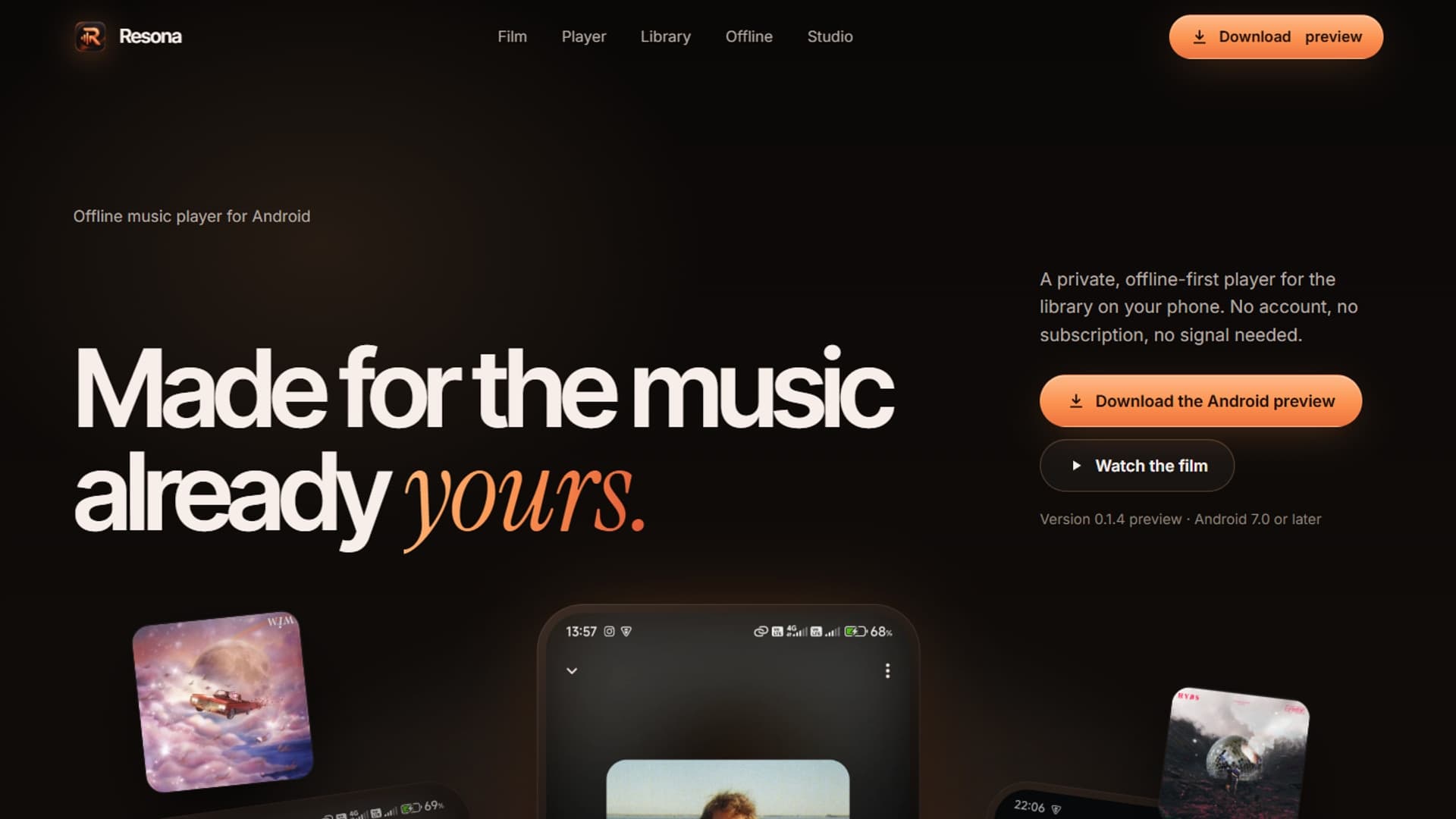
Resona is an offline-first Android music player for people who keep their own audio files. I built its library integration, playback coordination, and local persistence around a simple requirement: listening should work without an account or a streaming subscription.
This case study describes the Android preview implementation. The product artwork above presents the interface; it is not a performance benchmark. The companion technical article on Resona's library and playback architecture explains the code paths in more detail.
The problem and constraints#
A local music player has to work with the operating system's media library rather than assume every song has a conventional file path. A listener can deny audio access, remove a track between sessions, or use notification controls while the app's screen is closed.
The Android preview uses Flutter for the interface and a Kotlin platform channel for MediaStore access. Its Android configuration targets API 36 with a minimum of API 24. Those build settings describe compatibility intent; the release record's physical-device checks cover Android 15, not every supported Android version.
Architecture and my implementation focus#
I implemented the library through Android's MediaStore, playback through just_audio, and operating-system controls through audio_service. These responsibilities meet at a shared playback controller rather than creating a separate player for each screen.
| Responsibility | Implementation | Reason |
|---|---|---|
| Device library | Kotlin channel through AndroidMediaLibrarySource | Read indexed audio and content URIs |
| Playback | Shared PlaybackController using just_audio | Keep the queue and active song consistent |
| System controls | ResonaAudioHandler using audio_service | Delegate system actions to the same controller |
| Last session | PlaybackSessionStore using SQLite | Restore listening context without a server |
The Dart library interface exposes access checks, permission requests, scans, and artwork loading. Each song retains its MediaStore identity and URI alongside title, artist, album, duration, and folder information. Display names do not become playback identifiers.
One player, several control surfaces#
The audio handler subscribes to the playback controller. It publishes the current queue, media item, and transport state, and delegates play, pause, seek, skip, repeat, and shuffle back to that controller.
That decision gives the library screen, player screen, and system notification a shared source of state. Player Studio's Classic, Minimal, and Artwork Focus layouts can change the presentation without changing which song is playing.
The handler avoids rebuilding its published queue when the song-key signature has not changed. Transport state is refreshed for relevant playback changes and sufficiently large position differences. That reduces unnecessary state traffic while retaining useful progress updates.
Restore context without starting playback#
The last-session store persists the queue's song keys, current key, position, shuffle, repeat, and crossfade preference in a single SQLite record. On startup, restorePaused resolves those keys against the current library. Deleted or unavailable tracks are excluded.
If the previously selected song still exists, Resona restores its position. Otherwise it selects the first available song and begins at zero. Loading the audio sources does not issue a play command. The listener decides when playback resumes.
Demonstrable outcomes and limits#
The September 29, 2026 release-readiness record reports 17 passing Flutter unit and widget tests, plus four passing media-source integration tests on one physical Android 15 device. These are recorded project checks, not a fresh device run performed for this portfolio update.
The signed Android preview was checked without an Internet permission. Favorites, playlists, and the last queue stay in local SQLite storage, and the player requires no account. This describes the preview build's design; it does not claim universal privacy guarantees for every future build or dependency.
Broader Android device coverage, battery behavior, crossfade quality, and larger-text layout checks remain part of release work. iOS behavior has not been established by those Android checks.
Explore Resona#
Open the Resona product site for the public presentation, or read the implementation walkthrough. Resona's application source is not linked here as a public repository.