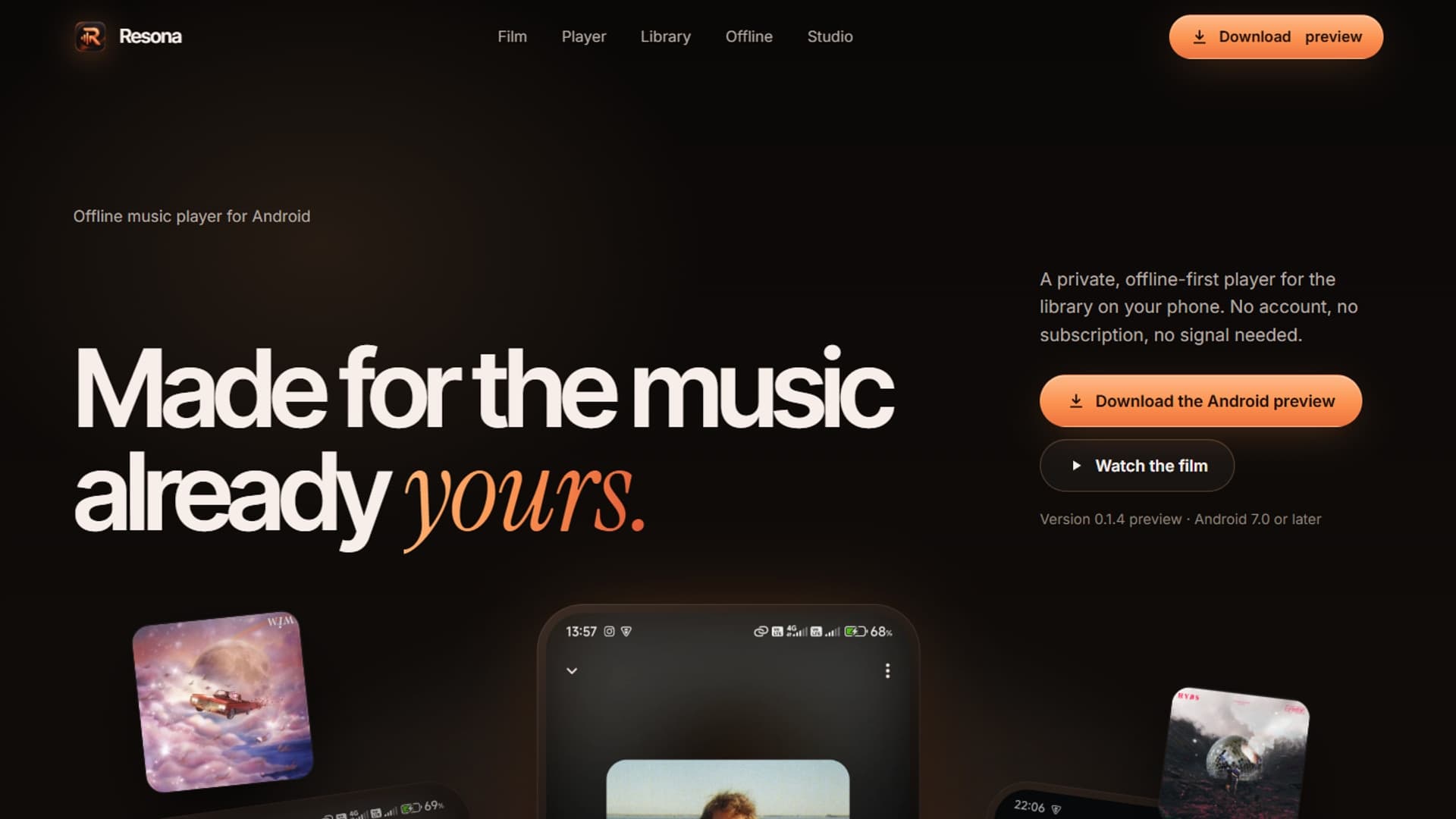
I built Resona for Android listeners who already own their music files. The engineering challenge was keeping device-library access, Flutter playback, operating-system controls, and restored queues in agreement.
This article follows the preview implementation's code. For product context and the release record's scope, see the Resona project case study.
Keep Android library access behind one interface#
Resona's Dart-side AndroidMediaLibrarySource implements a music-library interface. It communicates with Kotlin through MethodChannel('resona/media_library') rather than giving UI widgets direct access to Android APIs.
The channel exposes hasAudioAccess, requestAudioAccess, openAppSettings, scanSongs, and loadArtwork. Keeping these operations together gives permission state and scanning a common boundary.
Android's shared-media guidance explains MediaStore access and the permission differences across Android versions. Flutter's platform-channel documentation describes the bridge used between Dart and platform code.
Use stable song identities and content URIs#
The scan result keeps a song's MediaStore ID, volume, and content URI alongside display metadata. Playback consumes the URI; library displays use title, artist, album, duration, and folder fields.
A display label is not an identifier. Two songs can have the same title, and a listener can move or delete files. Session restoration therefore uses song keys that can be resolved against the current library rather than reconstructing a queue from titles.
Share the playback controller with system controls#
ResonaAudioHandler extends BaseAudioHandler with queue and seek support. It receives the same PlaybackController used by the application and listens for controller changes.
The handler publishes the queue, current MediaItem, and playback state. Play, pause, next, previous, seek, shuffle, and repeat actions delegate back to the controller. The library screen and notification do not create independent players.
audio_service's package documentation describes this handler boundary for background audio and media controls. Resona uses it to expose its shared player through operating-system control surfaces.
Persist a session rather than duplicate the library#
PlaybackSessionStore writes a JSON session into a single SQLite record. The stored fields describe listening context: queue keys, current key, position in milliseconds, shuffle, repeat, and crossfade settings.
The library remains the authority for what is currently playable. When loading a saved session, the controller resolves saved keys against LibraryIndex.availableSongs. Unavailable songs drop out of the restored queue.
The essential selection logic is:
final available = {
  for (final song in library.availableSongs) song.key: song,
};
final songs = [
  for (final key in session.keys)
    if (available[key] case final Song song) song,
];
if (songs.isEmpty) return;
final selected = songs.indexWhere((song) => song.key == session.currentKey);
final index = selected < 0 ? 0 : selected;
This is an excerpt of PlaybackController.restorePaused, not a complete drop-in player implementation. The method also loads audio sources, restores an applicable position, and applies repeat and shuffle settings.
Restore paused and handle missing tracks#
If the previous song is still available, the controller seeks to the saved position. If it is missing, the fallback song starts at zero. The restore path does not call play: reopening an app should not start sound unexpectedly.
When preparing restored audio sources fails, the implementation clears the queue and gives the user a recovery message asking them to choose a song. The session loader treats malformed saved session data as unavailable context. These recovery paths preserve a usable player rather than assuming yesterday's device library still exists unchanged.
Validate each boundary separately#
Resona's September 29, 2026 release record reports 17 passing Flutter unit and widget tests and four passing media-source integration tests on one physical Android 15 device. That supports a specific preview checkpoint, not coverage of all Android devices or a claim about battery efficiency.
A broader validation matrix should include denied permissions, deleted current songs, interrupted background playback, headset and Bluetooth controls, queue edits during playback, and restart behavior. Physical-device checks matter because a widget test cannot establish every operating-system integration.
The reusable design decision is to give each responsibility one owner: MediaStore supplies the current library, the playback controller owns listening state, the audio handler publishes it to Android, and SQLite preserves enough context to resume later. Explore the Resona case study for the surrounding product decisions.